Power BI Data
Analyst Associate PL-300
📊 Data
🎓 Microsoft Certification PL-300
✅ Bite-sized learning – 8 x 2-hour sessions
💻 Live online lessons – learn from expert trainers in real time
🏷️ £1,499 + VAT


Introduction
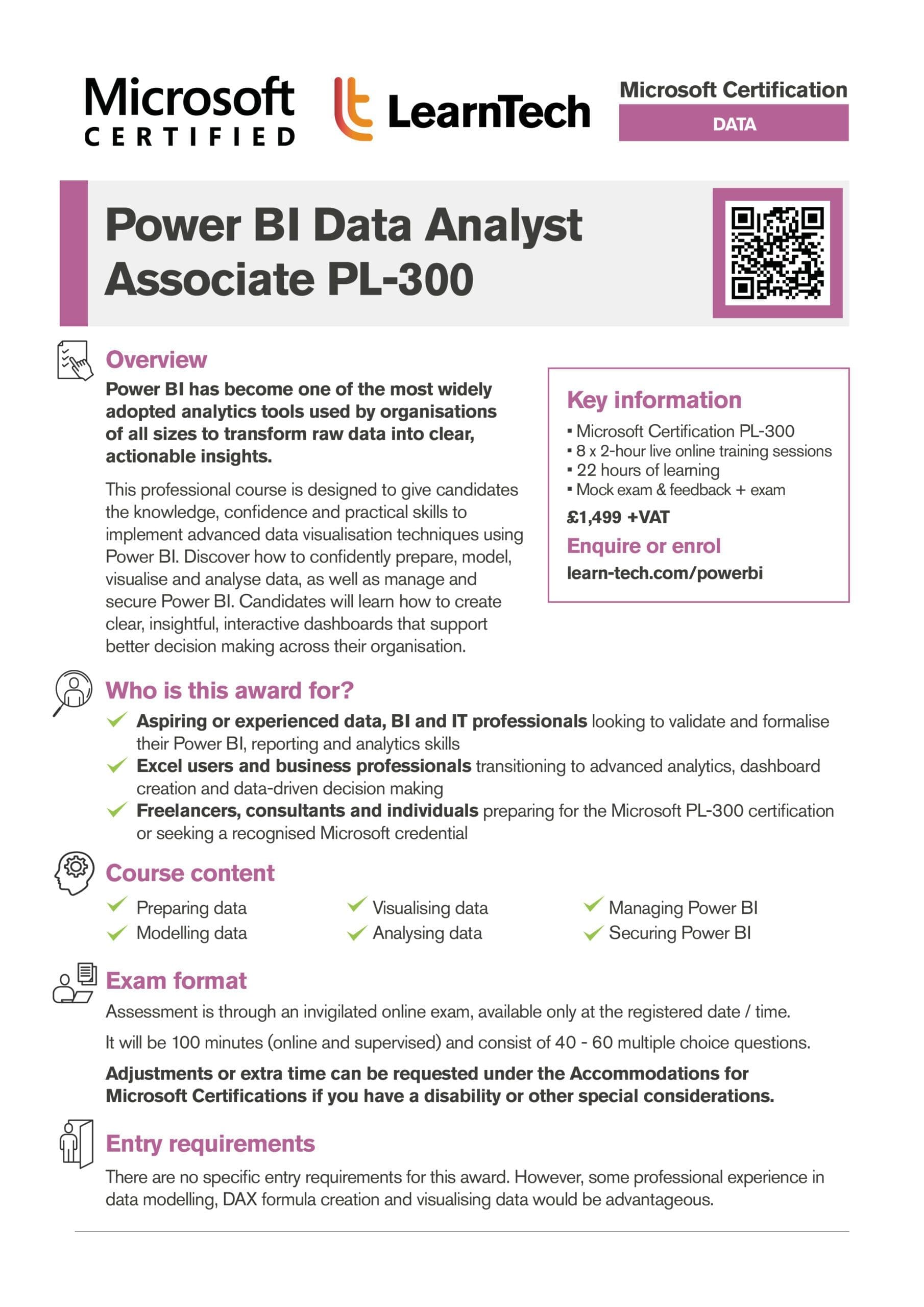
Power BI has become one of the most widely adopted analytics tools used by organisations of all sizes to transform raw data into clear, actionable insights. This professional course is designed to give individuals the knowledge, confidence and practical skills to implement advanced data visualisation techniques using Power BI.
Our Power BI Data Analyst Associate certification course explores how to confidently prepare, model, visualise and analyse data, as well as manage and secure Power BI. Individuals will learn how to create clear, insightful, interactive dashboards that support better decision‑making across their organisation.
Our training combines proven science of learning techniques with adult education principles to ensure meaningful, long-term skill development. To support the live sessions, additional reading and self-study are required.
Who is this qualification for?
- Aspiring data analysts or business intelligence professionals
- Professionals looking to validate and formalise their Power BI skills
- Excel users transitioning to advanced analytics and reporting
- Anyone responsible for creating dashboards or delivering data insights
- Business users who rely on data‑driven decision making
- IT and data professionals supporting reporting and analytics
- Freelancers or consultants seeking a recognised Microsoft credential
- Individuals preparing for the Microsoft PL‑300 certification exam
- This qualification is included at no extra cost with some of our apprenticeship programmes
What does this course cover?
You will learn best practices that align with business and technical requirements for modelling, visualising, and analysing data with Microsoft Power BI.
Key content…
- Day 1 – Preparing data
- Day 2 – Modelling data
- Day 3 – Visualising and analysing data
- Day 4 – Managing and securing Power BI
View Microsoft Certified: Power BI Data Analyst Associate Overview (opens in new tab)
Course Dates
This course is delivered over 4 working days (one day per week, across four weeks).
Typical training day
9:30am – 11:30am – Live online training
1:30pm – 3:30pm – Live online training
Plus guided learning tasks
For group bookings, custom dates and training can be arranged. Please contact us to discuss your requirements.
View Course Brochure
Course Timeline
Our Microsoft Certified: Power BI Data Analyst Associate course is taught live online through 8 x 2-hour sessions, led by our expert trainers.
Sessions can be flexible, taking place weekly or over a few days, to suit both individuals and teams.
Use the arrows on each side below to navigate.
FAQs
🪙 What are the payment options for this course?
✔️ What are the entry requirements for this course?
There are no specific entry requirements for this award. However, some professional experience in data modelling, DAX formula creation and visualising data would be advantageous.
✅ What is needed to take part in Power BI Data Analyst Associate training?
- A reliable device, ideally with a webcam, and a stable internet connection to participate in the live online sessions. A laptop or desktop is recommended for the best learning experience.
- Sufficient spoken English to follow the tutor during live training sessions, and strong reading comprehension to understand and complete the final exam.
- You will need to download and install Power BI Desktop. This can be found on the Microsoft Download Centre.
BCS AI Foundation Awards
Business Innovation
How AI Can Support Your Organisation
Gain an understanding of how AI can shape the future of your organisation
Business Innovation
How to Manage Risk
Gain an understanding of how to measure, manage and report risk for informed business decisions
Business Innovation
Problems & Solutions
Explore tools to understand problems and how successfully implement effective solutions
Data
Managing & Utilising Big Data
Understand how to manage Big Data and use it with Machine Learning
Data
Understanding Data in your Organisation
Get a clear understanding of data and how its used in your organisation
Data
Data Visualisation
Discover processes, frameworks and AI techniques to help analyse and present data
Ethics
Ethics in The Responsible Use of AI
Discover how an ethical culture enables sustainable, responsible AI use
ML & AI Techniques
Generative Artificial Intelligence
Gain an understanding of how generative AI works and how to use it
ML & AI Techniques
AI & the Digital Ecosystem
Gain an understanding of AI, its digital ecosystem, data relationship & more
Trusted by…